Magento 2 & Postcode API: What Works Best in Belgium?
Here is how to solve Belgian address validation in Magento 2. Discover how our autosuggest API prevents errors and speeds up checkout.
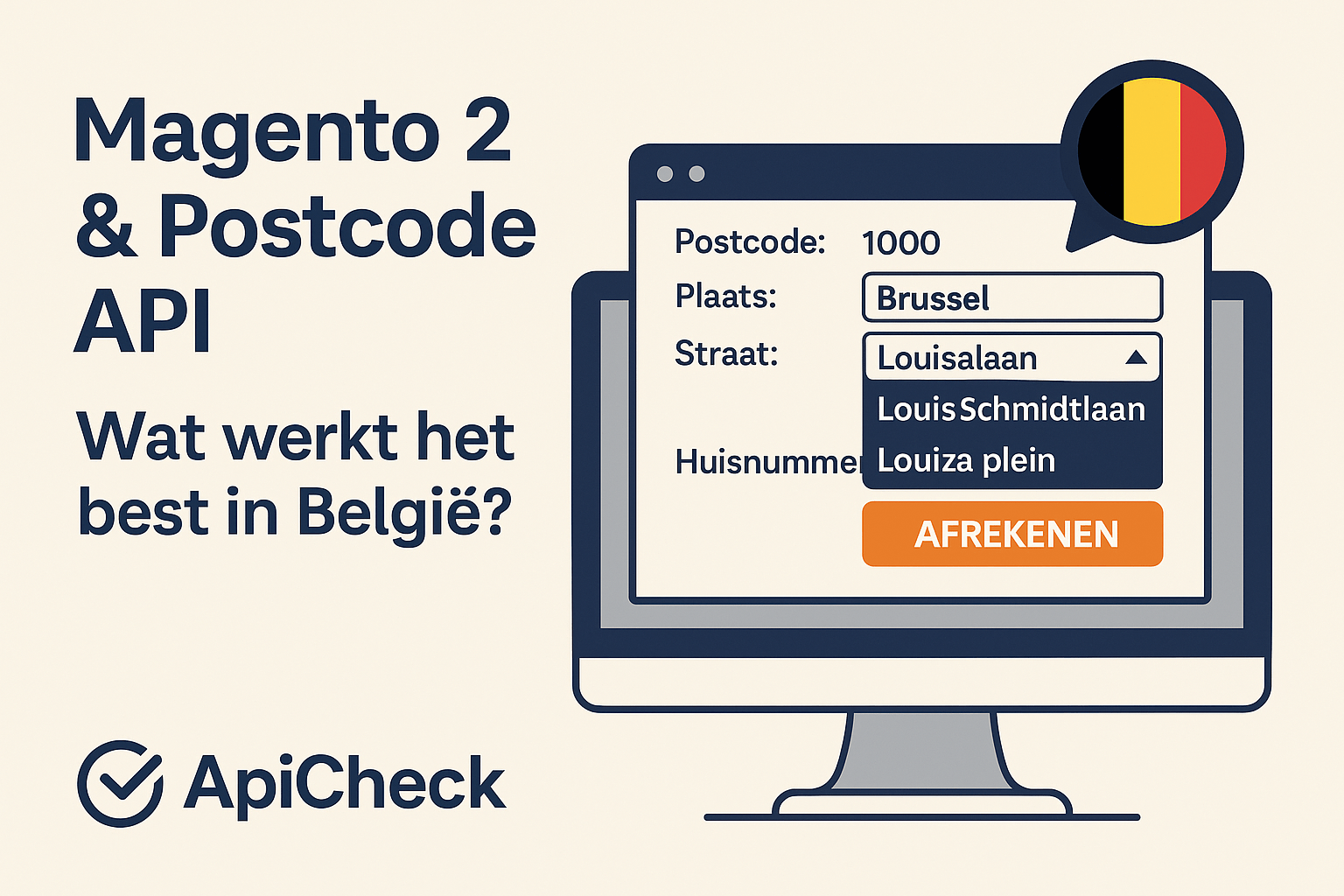
Standard Magento 2 postcode plugins work fine for the Netherlands but fall short for Belgium. The reason: the Belgian postal code system is fundamentally different. This article explains why, and how to do it properly.
Why Standard Address Validation Falls Short in Belgium
Most Magento 2 address validation plugins are built around the Dutch system: postal code + house number gives one unique address. In Belgium, that does not work:
- Belgian postal codes contain no letters (e.g.
2000= Antwerp) - One postal code covers multiple streets
- House numbers are not centrally registered
A plugin that simply looks up postal code + house number will either find nothing in Belgium or return the wrong street.
How ApiCheck Solves This Smartly for Belgium
ApiCheck offers an autosuggest API specifically for Belgium. The customer types their street name while the API filters suggestions in real time based on the entered postal code.
How Does That Work in Practice?
Customer enters:
- Postal code:
1000 - Street name starts with:
Loui
The API returns:
- Louisalaan
- Louis Schmidtlaan
- Louizaplein
The customer selects the correct street and then enters the house number. Simple, fast, and error-free.
Why This Works Perfectly in Magento 2
The ApiCheck Magento 2 extension automatically detects whether a customer is entering a NL or BE address:
- NL: postal code + house number → direct autofill of street and city
- BE: street name autosuggest filtered by postal code
One extension, one API key, two countries — seamlessly integrated into the Magento 2 checkout.
Combine with Dutch API
Do you have customers in both the Netherlands and Belgium? No problem. The extension works with both countries simultaneously. You do not need to install or configure separate extensions.
Implementing in Magento 2
- Download the ApiCheck extension via the Magento Marketplace or directly from apicheck.nl
- Activate with your ApiCheck API key
- Configure which countries you want to support (NL, BE, or both)
- Test the checkout — both NL and BE addresses
Frequently Asked Questions
Does the extension also work with one-step checkout? Yes, the extension is compatible with the most widely used one-step checkout modules.
Does the API also support French- and German-speaking Belgian addresses? Yes, the API works for all Belgian regions, including Wallonia and the German-speaking Community.
What does it cost? You pay per API call via credits. See our pricing page for current rates.
Conclusion
Belgian address validation in Magento 2 requires a different approach than Dutch. ApiCheck solves this with an autosuggest API that integrates seamlessly into your Magento 2 checkout — for both NL and BE customers.