Why Address Validation at Checkout Increases Your Conversion and Prevents Delivery Errors
Address validation at checkout increases your conversion and prevents delivery errors. Make your checkout faster and more reliable.
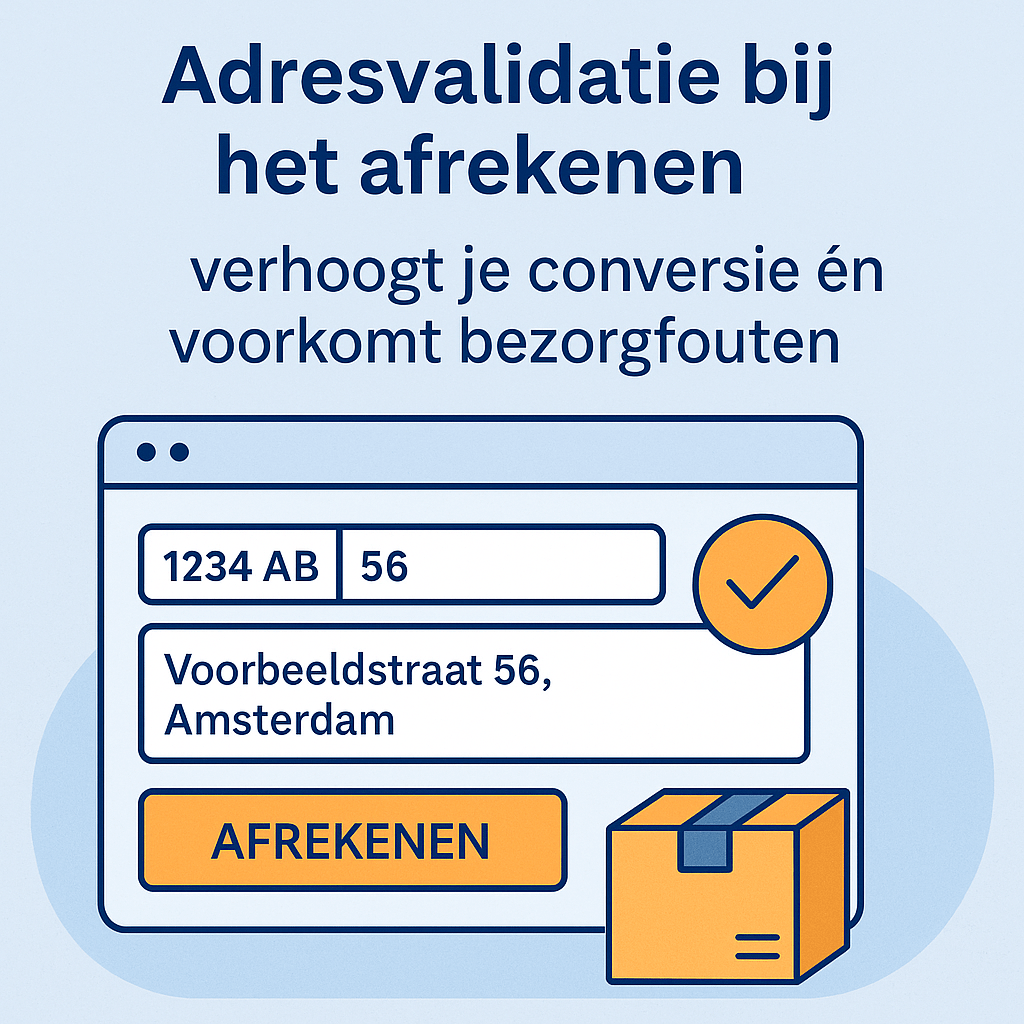
The checkout is the most critical moment in the purchase process. Every second of delay, every extra field, and every error costs you customers. Address validation makes the checkout faster and more accurate — at the same time.
What Is Address Validation?
Address validation at checkout means: the customer only fills in the postal code and house number, and the street name and city are automatically filled in from a live address database. The customer types less and immediately sees that the address is correct.
Why Address Validation Increases Your Conversion
Fewer Fields = Fewer Drop-offs
The more fields a customer has to fill in, the greater the chance they abandon the process. By automatically filling in the street and city, you effectively reduce the form by two fields — right at the moment when the customer is almost through checkout.
Better on Mobile
On mobile, typing is more error-prone and time-consuming. Automatic address completion removes that barrier and gives mobile customers a smoother checkout experience.
More Trust
When the street and city appear correctly right after entering the postal code and house number, the checkout feels professional and reliable. This strengthens the customer's confidence at the moment of purchase.
Fewer Delivery Errors = Fewer Returns
An incorrect address costs you an average of €10 to €25 per case:
- Return shipping: €4–7
- Customer service time: €5–10
- Resending the package: €4–7
Ten incorrect addresses per month = €100 to €250 loss per month. Address validation eliminates the primary cause: manual typing.
How Do You Add Address Validation?
ApiCheck offers ready-to-use plugins for the three most widely used platforms:
- WooCommerce — direct plugin from the WordPress Plugin Directory
- Magento 2 — extension available via ApiCheck or the Magento Marketplace
- Contact Form 7 — WordPress plugin that extends CF7 forms
Using a different platform or a custom checkout? Then you use the REST API directly and write a few lines of JavaScript that fill in the address field based on the API response.
Want to Try It Yourself?
Go to our address validation page and try the live demo. Enter a postal code and house number and see how fast the completion works. Then create a free account — you get 200 credits with no credit card required.